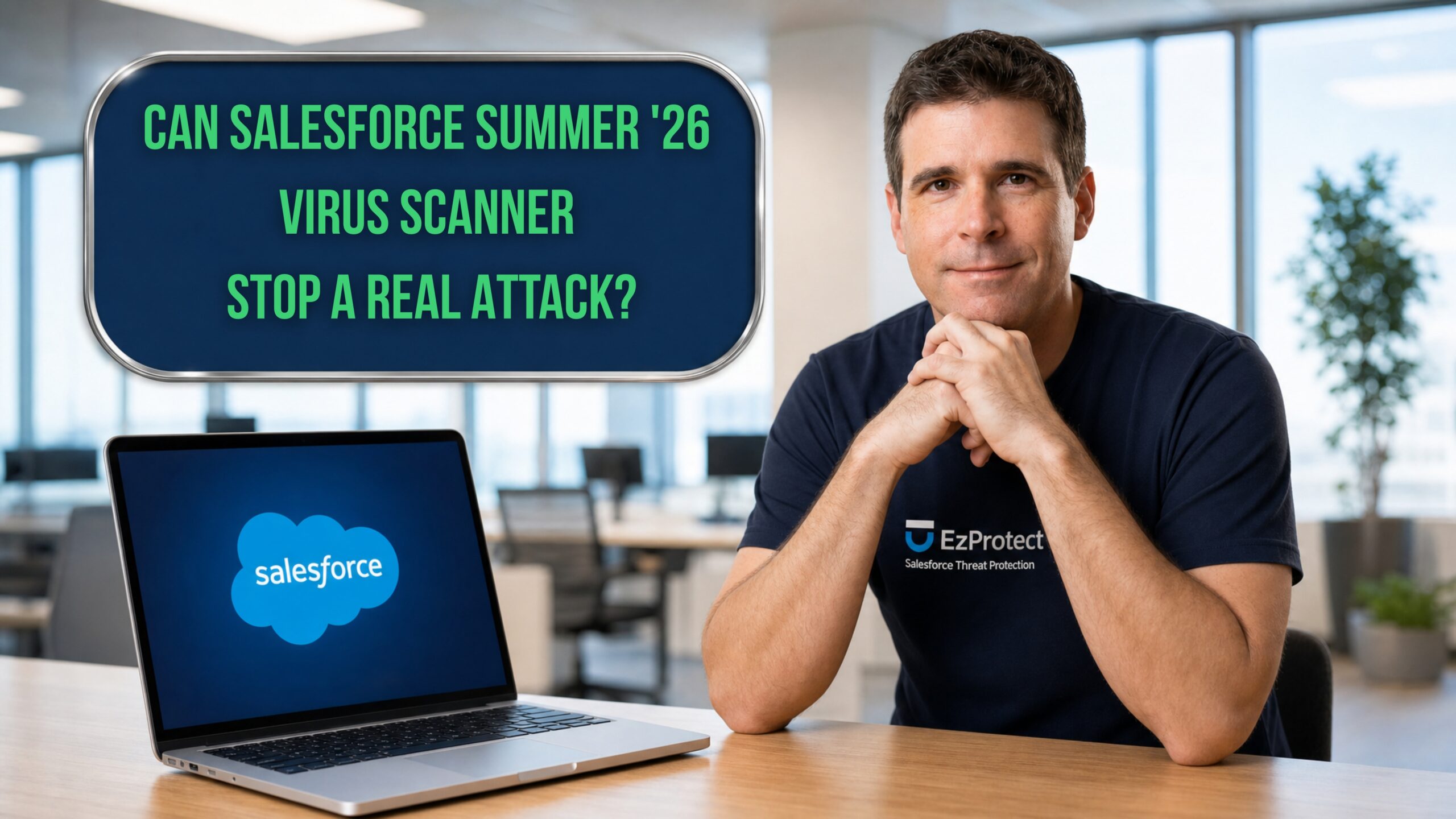
Salesforce upgraded its native virus scanner for the Summer ’26 release. In a live side by side test, it still allowed a disguised malicious file to upload and download into a Salesforce org, while EzProtect caught it and blocked it.
I am Matt Meyers, a Salesforce Certified Technical Architect with more than nineteen years in the Salesforce ecosystem. Five months ago I tested the beta version of Salesforce’s native virus scanner and found that it missed threats that EzProtect caught. In this video I run the same test again, this time against the Summer ’26 GA release, to see whether the native scanner now performs as advertised.
The Summer ’26 scanner has improved in one narrow way. It blocked the file it missed five months ago, because its engine had since added that file to its list of known threats. So I tried a fresh one. I uploaded a malicious file disguised to look like a harmless image, with a PNG photo extension hiding a hidden program underneath. The native scanner let that file upload and download without a warning, while EzProtect blocked it and correctly identified it as malware built to hijack a system.
There are a few things every Salesforce team should understand about how native scanning works. It only inspects files that are 100 MB or smaller, so anything larger passes through unscanned. It focuses on threats it already recognizes, which means new or disguised files can slip past. It allows files uploaded through the API and only blocks them when someone tries to download them. It also does not inspect URLs, which is a common path attackers use to reach a Salesforce org.
Salesforce’s own documentation says that if you require more stringent scanning, you should consider one of its malware scanning partners. That is an important admission. The native scanner is an entry level layer, and Salesforce says so.
This matters more than ever if you work in a highly regulated industry. Groups like ShinyHunters are actively targeting Salesforce orgs, and the method is exactly what you see in this video. An attacker spins up a developer org, finds a file the native scanner does not recognize, and sends it straight to you. Detection alone does not stop a targeted attack, and in a regulated industry the cost of a single miss extends well beyond the breach itself.
The native scanner catches what it already knows. It does not stop the threats built specifically to get past it, and those are the ones that reach regulated organizations.See exactly what native scanning lets through in this video.